01
“Valid” does not tell you everything
A valid signature shows that the file did not change after signing and who signed it, according to the certificate. It does not confirm that the person was entitled to sign or that the text is right. Those are for you to judge.
02
Issuers the app recognizes
The app recognizes the MAI root for eID certificates and the certSIGN root, plus the certificates Apple's system trusts. Qualified status is shown from the certificate's own statement, without a check against the EU Trusted List.
03
Checking online and offline
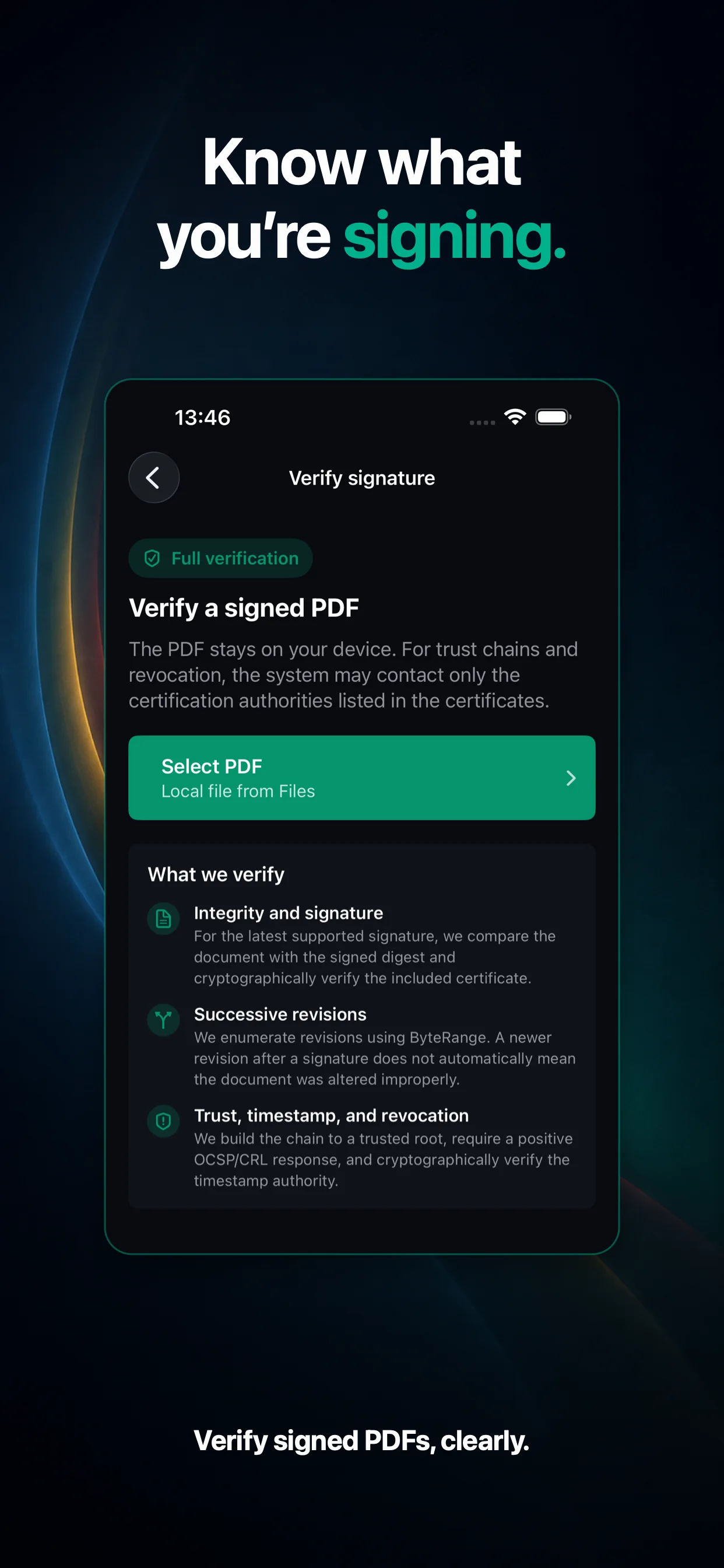
A check you start downloads revocation lists from the issuers. Library documents are checked automatically on the device, offline, using only the document's own data; “Verify again” gives you the full check.
04
Verification does not change the file
The analysis only reads the PDF. You can keep the document with its result in the app's history, or export the result as a PDF report with Export report.