01
When a second signature is not added
CEI One does not sign over a signature that fails verification, or a PDF its author certified as not to be changed. It does not sign password-protected files either.
Guide · Employment contract · Lease
A contract usually has two signatures. With CEI One each party signs the same PDF in turn: the second signature is added on top of the first without invalidating it, and verification shows both.
Step by step
Both parties have to agree. For an individual employment contract, the Romanian Labour Code (art. 16) allows an advanced or qualified electronic signature when the contract is concluded, amended, suspended or terminated. The employer cannot oblige you to sign electronically, and both parties use the same type of signature.
Export the contract as a PDF without a password. After the first signature, do not edit the text: any change shows up when the document is verified, and a new version is signed again.
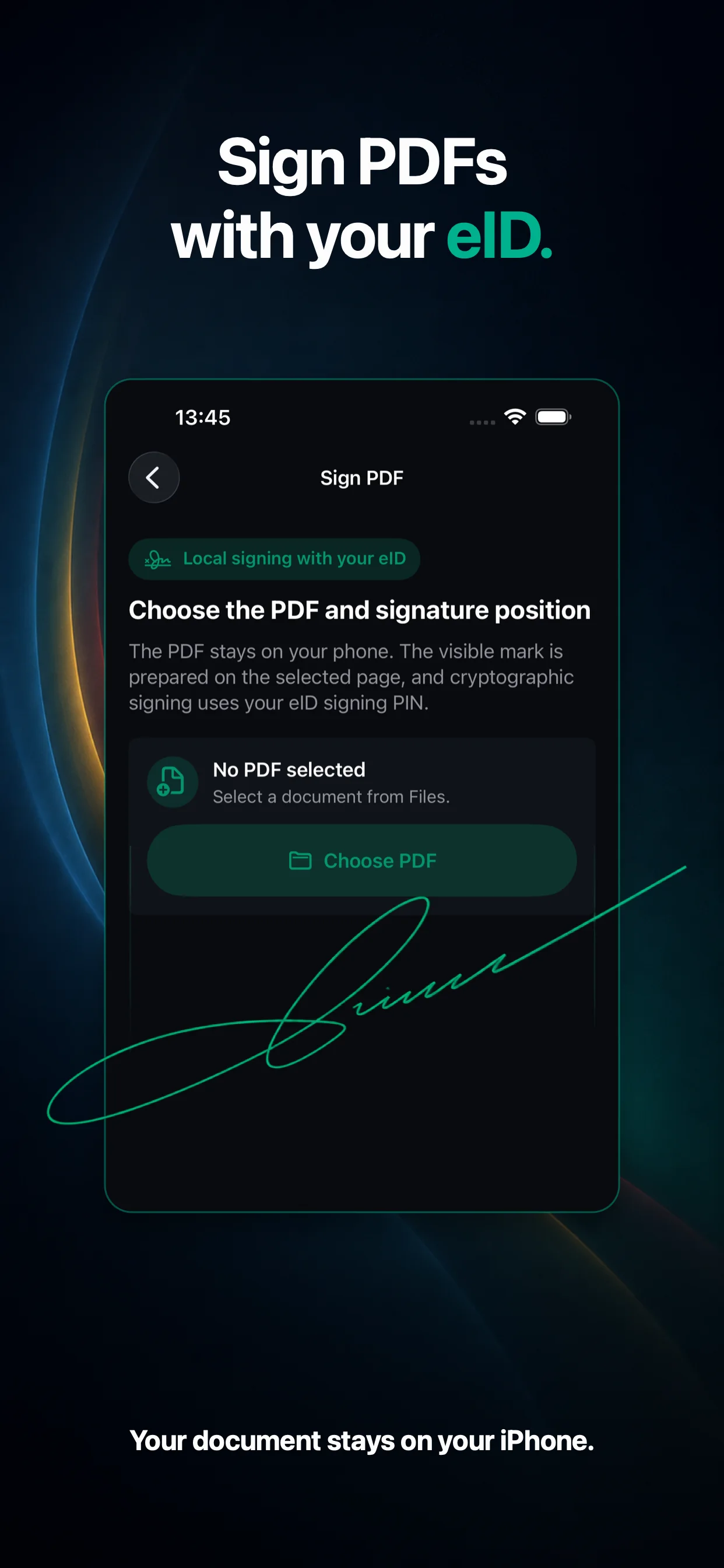
In CEI One, choose the page and the position of the mark, then authorize with the CAN and the signing PIN. Send the other party the signed PDF file, not a screenshot or a printout.
Open the received PDF on the verification screen and check who signed and whether it changed. Then sign it in CEI One, with the mark in a different place from the first. The app adds your signature as a new revision and keeps the existing one.
The copy with both signatures is the final document. Verifying it in CEI One shows both signatures and whether the document changed after the last one.
Good to know
CEI One does not sign over a signature that fails verification, or a PDF its author certified as not to be changed. It does not sign password-protected files either.
According to MAI, a document signed with the advanced signature on the eID has the same legal effect as one signed by hand, except for authentic acts. A deed that must be made before a notary is not replaced by a signed PDF.
The same article of the Labour Code also sets the signatures an employer may use for employment documents. The employer checks those conditions for its side.
The visible mark, with your name or the handwritten signature from the card, helps readers. What counts is the electronic signature in the file, which anyone who receives the PDF can verify.
Straight answers
Yes. Each of you signs the same PDF in turn with your own eID. The second signature is added without invalidating the first.
Yes, if the existing signatures pass verification and the document does not forbid changes. Otherwise the app tells you why it cannot sign.
The Labour Code (art. 16) lets the parties use an advanced or qualified electronic signature for an individual employment contract, and the free certificate on the eID is, according to MAI, for an advanced signature. The employer cannot oblige you to sign electronically.
Verification shows that the document changed after the signature. For a new version, sign the new file again.
Yes. Choose the page and drag the mark where you want it. The size of the mark is fixed.
Sources
Portal requirements are as published on the pages below (in Romanian), checked on 18 October 2026. They can change: read the service's page before you send a document. This guide is not legal advice.

CEI One for iPhone and Mac
No account and no CEI One servers: your documents, CAN and PINs stay with you.